
Rated 4.8/5 from 2,935 reviews
Background Removal for
Clothing Photos
Clean white backgrounds that meet every marketplace requirement
Removing the background from clothing photos is not the same as removing it from a coffee mug or a pair of headphones. With garments, you need the mannequin removed, the interior neckline composited, and a pixel-perfect white background applied -- all without losing the garment's natural 3D shape. That is exactly what PixFocal does. Our AI-powered clothing photo background remover handles mannequin removal and white background generation in a single step, delivering marketplace-ready images in about 30 seconds.
Why White Backgrounds Matter for Clothing
Every major ecommerce marketplace has specific background requirements for product photos. Meeting these standards is not optional -- it directly impacts your visibility, trust, and sales.
Marketplace Compliance
Amazon requires a pure white background with RGB values of exactly 255, 255, 255 on main product images. Listings that fail this check get suppressed from search results, costing you sales every day. eBay strongly prefers white backgrounds for best placement, and Shopify recommends white for a consistent, professional storefront.
Higher Conversion Rates
Consistent white background photography increases conversion rates by 2-3x compared to messy or inconsistent backgrounds. Shoppers make snap judgments about product quality based on image quality. A clean white background signals professionalism and helps the garment's color, texture, and details stand out without visual distractions.
Reduced Returns
When customers see a garment on a clean white background with accurate color representation, they know exactly what they are buying. This clarity reduces the "it looked different online" problem. Brands that switch to professional white background photography consistently report 15-25% fewer returns on clothing items.
RGB 255,255,255
Pure white required by Amazon & eBay
30 sec
Average processing time per garment
3,892+
Brands trust PixFocal for clothing photos
Beyond Simple Background Removal
Generic background removal tools treat clothing like any other product -- they cut out the subject and call it done. But clothing on a mannequin requires a fundamentally different approach. The mannequin itself is inside the garment, and simply removing the background leaves you with visible mannequin arms, necks, and stands. PixFocal removes the mannequin from inside the garment and creates a professional ghost mannequin effect with a perfect white background, all in one step.
Mannequin Removal
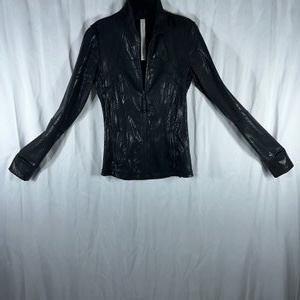
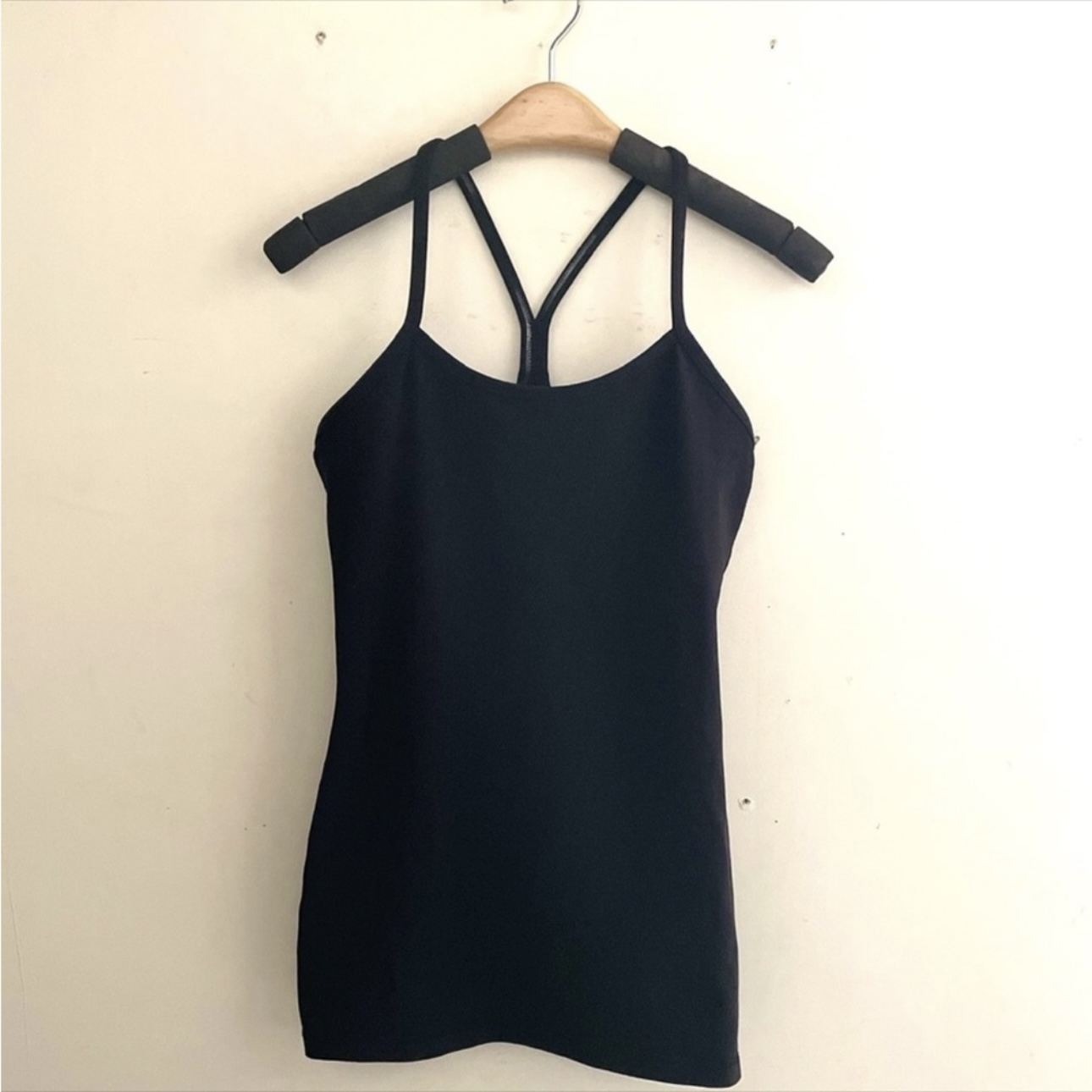
PixFocal does not just remove the background around your clothing -- it removes the mannequin itself from inside the garment. Neck, arms, torso, and stand are all cleanly eliminated, leaving only the garment with a natural, hollow shape.
3D Shape Preserved
The garment retains its three-dimensional shape and natural drape after processing. Sleeves, collars, and hems maintain the realistic silhouette that shows customers exactly how the piece fits and falls on a body.
Pure White Output
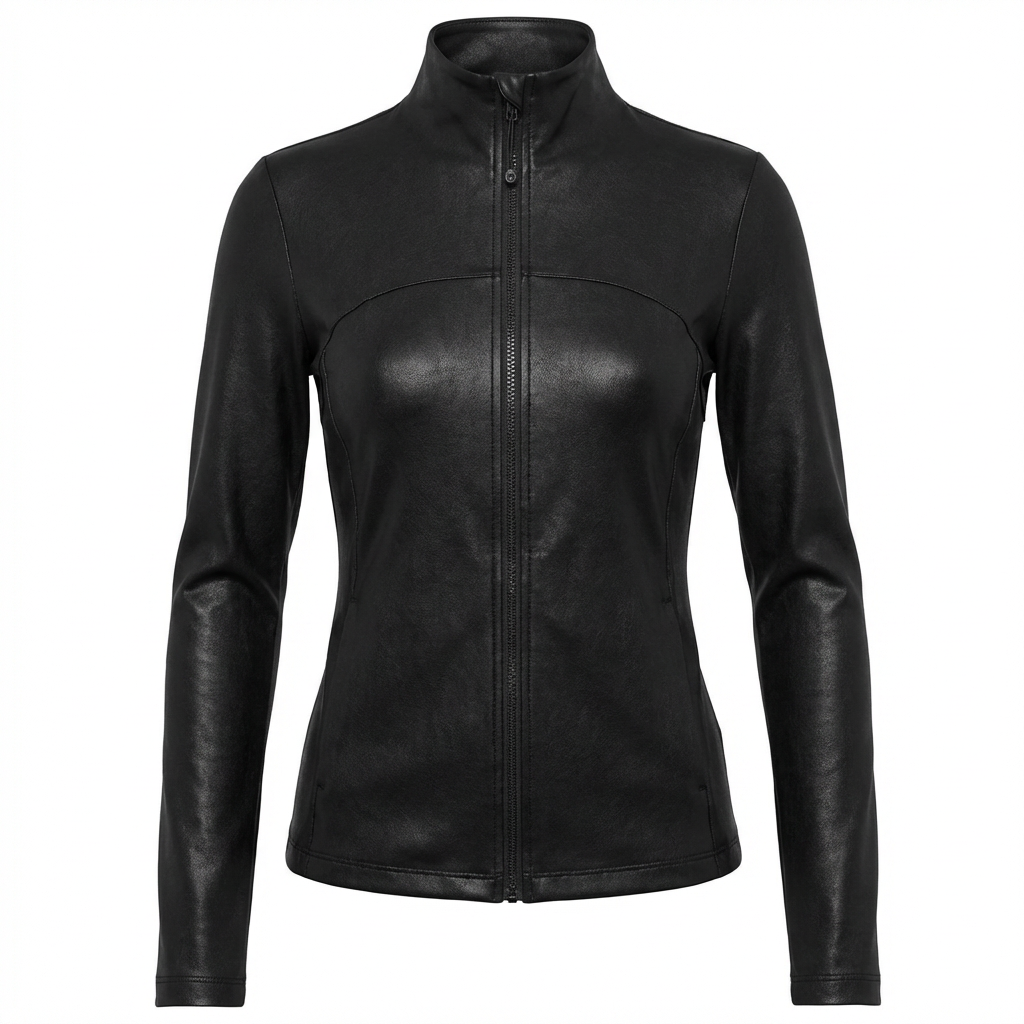
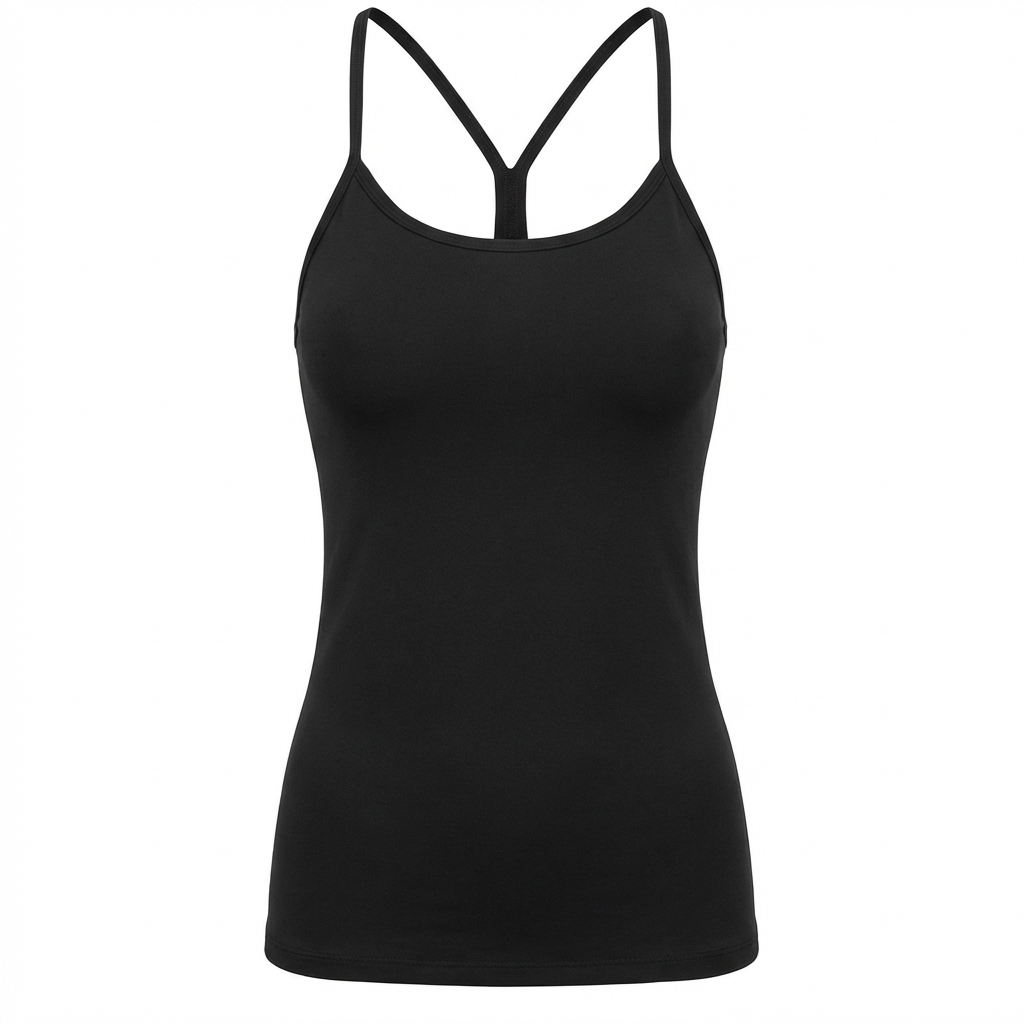
Every processed image gets an exact RGB 255, 255, 255 white background. No off-white tones, no gray gradients, no shadows bleeding in. Your clothing photos pass Amazon's automated image validation the first time, every time.
See the Results: Before & After
Before
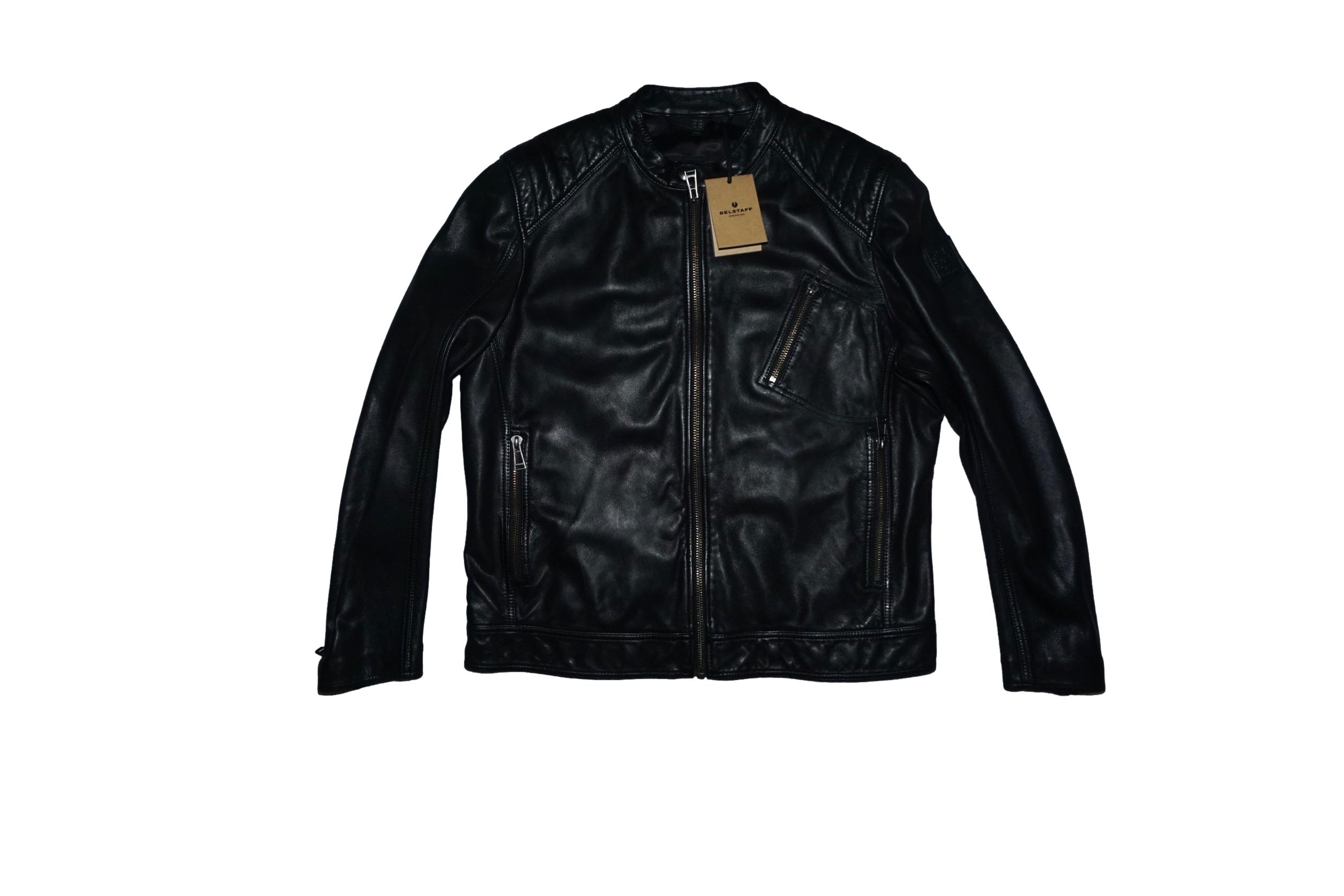
After
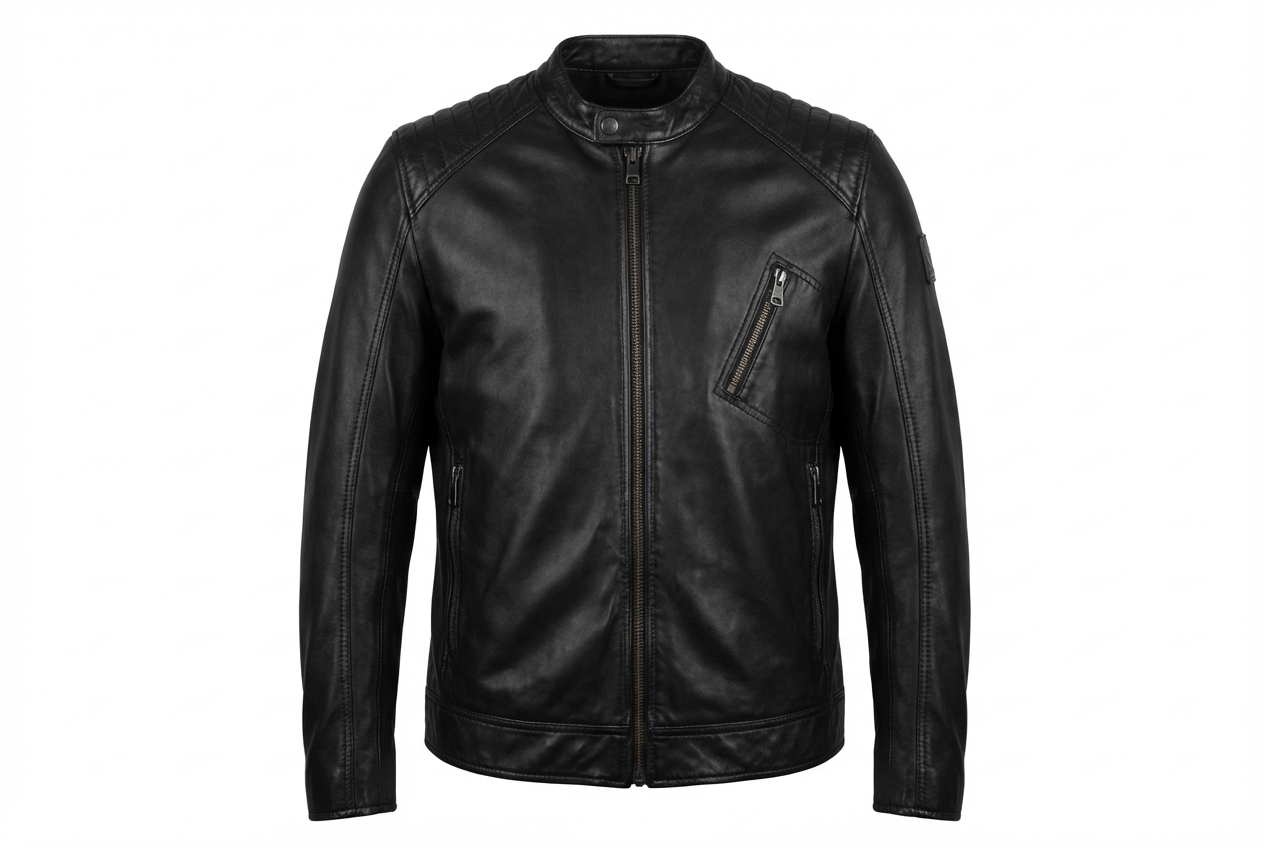
Before
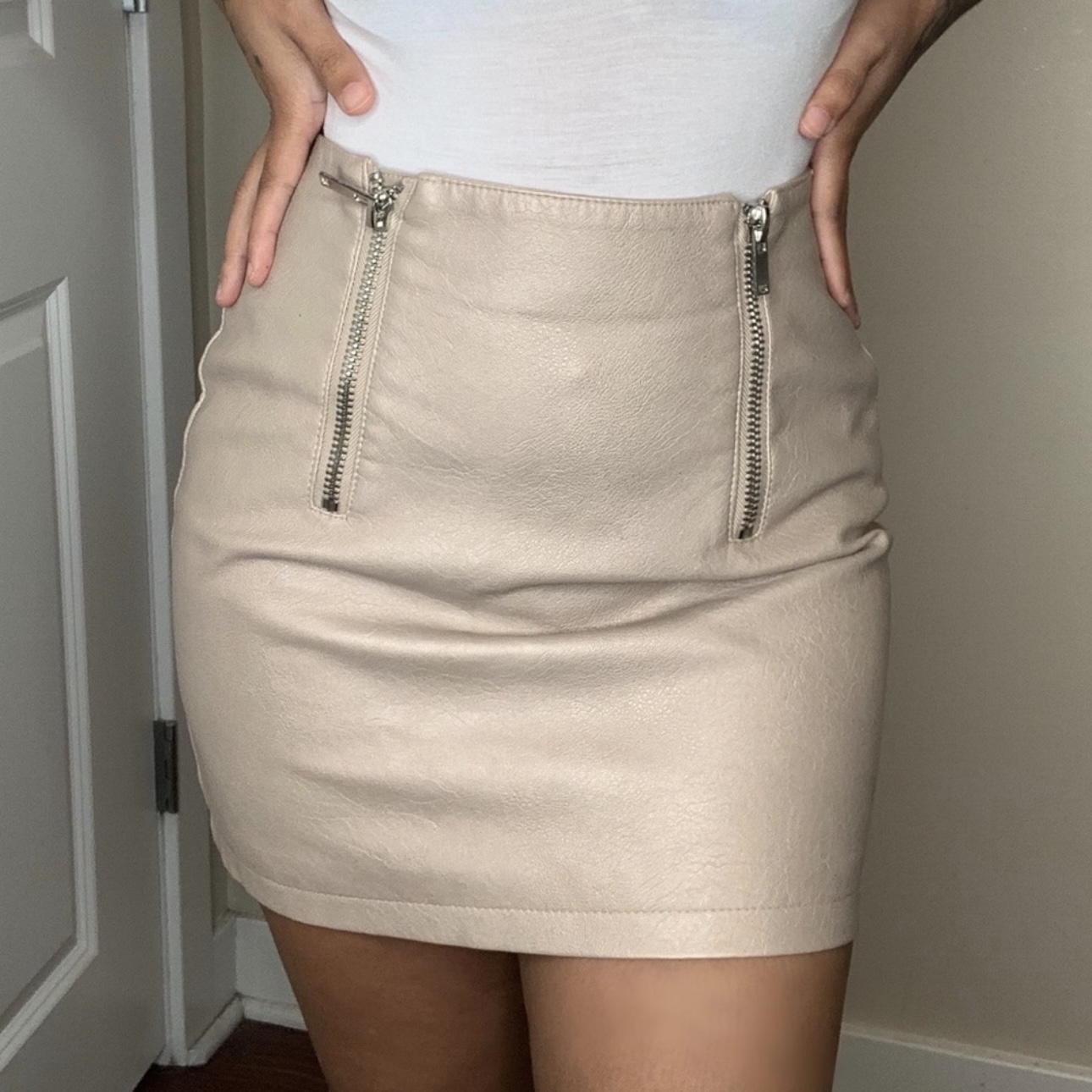
After
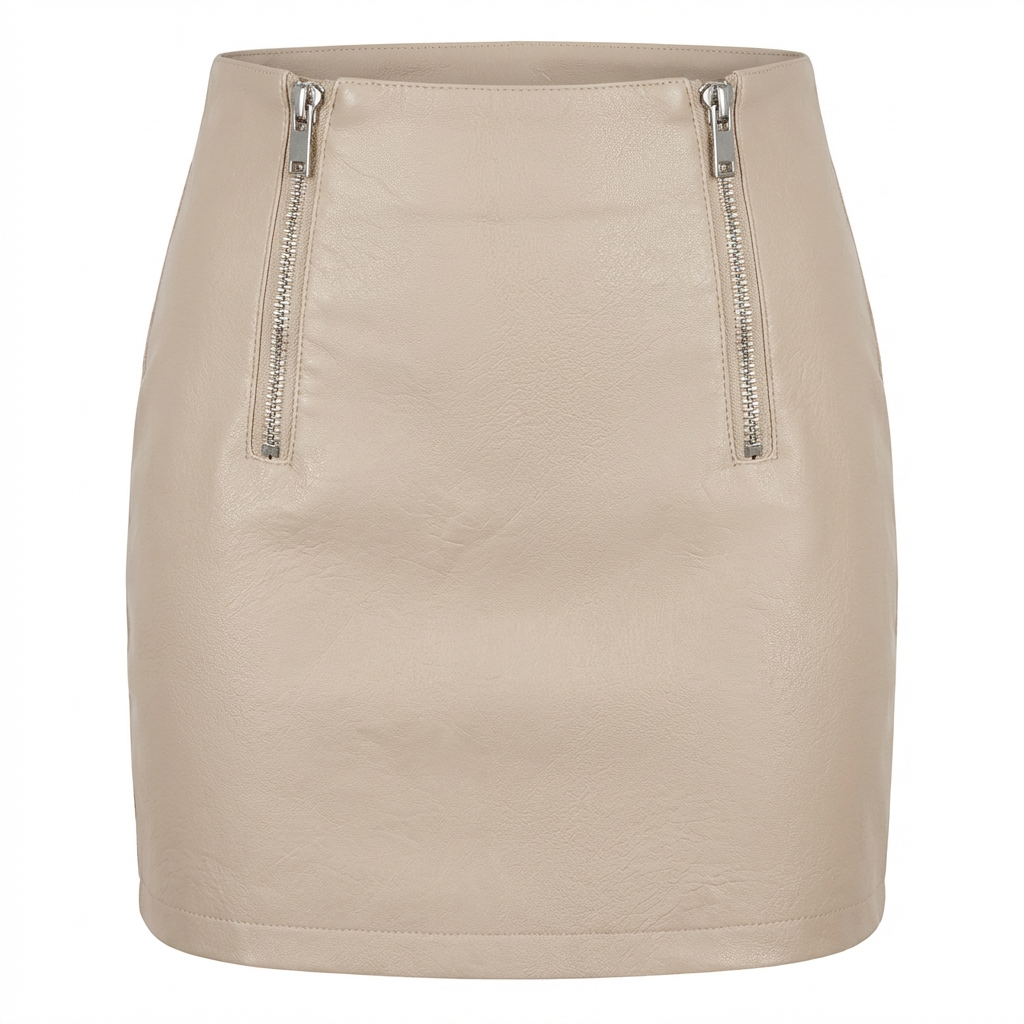
Before
After
Before
After
Marketplace Background Requirements
PixFocal generates white backgrounds that meet or exceed the image standards of every major selling platform.
How Clothing Background Removal Works
Upload Your Clothing Photos
Photograph your garment on a mannequin from the front, back, and with the interior visible. Upload all shots to PixFocal -- you can drag and drop single images or batch upload your entire catalog at once.
AI Removes Background & Mannequin
Our AI detects the garment, removes the mannequin from inside it, composites the interior neckline shot, and applies a pure white (RGB 255,255,255) background. The entire process takes approximately 30 seconds per garment.
Download & List
Download your finished clothing photos with clean white backgrounds in high-resolution PNG or JPEG format. Upload directly to Amazon, Shopify, eBay, Etsy, Poshmark, Depop, or any marketplace and pass their image requirements on the first try.
Clothing Background Removal FAQ
How do you remove the background from clothing photos?
PixFocal uses AI to automatically detect the garment in your photo and remove the background. Unlike generic background removers, PixFocal also removes the mannequin from the image and creates a ghost mannequin effect with a pure white (RGB 255,255,255) background that meets marketplace requirements. Upload your clothing photo, and the AI delivers a clean result in about 30 seconds.
Is pure white background required for Amazon?
Yes. Amazon requires main product images to have a pure white background with RGB values of exactly 255, 255, 255. Images that do not meet this requirement may be suppressed from search results, meaning customers will not find your listings. PixFocal automatically generates pixel-perfect white backgrounds that pass Amazon's image validation every time.
What's the difference between background removal and ghost mannequin?
Standard background removal simply cuts out the subject from the background, which works fine for rigid products like electronics or kitchenware. Ghost mannequin photography goes further: it removes the mannequin from inside the garment, composites interior neckline or waistband shots, and creates a 3D hollow-man effect on a white background. PixFocal does both simultaneously -- removing the background and the mannequin in a single automated step.
Can I remove backgrounds from flat lay photos?
Yes. PixFocal can remove and replace backgrounds on flat lay clothing photos, giving you a clean white background. However, for the best ecommerce results, ghost mannequin photography is recommended because it shows the garment's 3D shape, fit, and structure -- qualities that flat lays cannot fully convey. Many sellers use both: ghost mannequin for the main image and flat lay for secondary lifestyle shots.
How much does clothing background removal cost?
Manual background removal through professional editing services typically costs $0.50-$3.00 per image with a 24-48 hour turnaround. PixFocal's AI-powered background removal starts at $29/month with unlimited processing, delivering results in 30 seconds per image. For brands processing dozens or hundreds of garment photos each month, that difference in cost and speed adds up to thousands of dollars saved.
What output formats are available?
PixFocal outputs high-resolution PNG files with transparent or white backgrounds. PNG format preserves image quality without compression artifacts, which is critical for showing clothing details like fabric texture and stitching. You can also download JPEG versions optimized for web upload to Amazon, Shopify, eBay, and other marketplaces that have specific file format requirements.
Background Removal by Garment Type
PixFocal removes backgrounds and mannequins from every garment category.
Get Perfect White Backgrounds Today
Join 3,892+ brands using AI-powered background removal for their clothing photos. Plans from $29/month with results in 30 seconds.
Try it now - Free to start