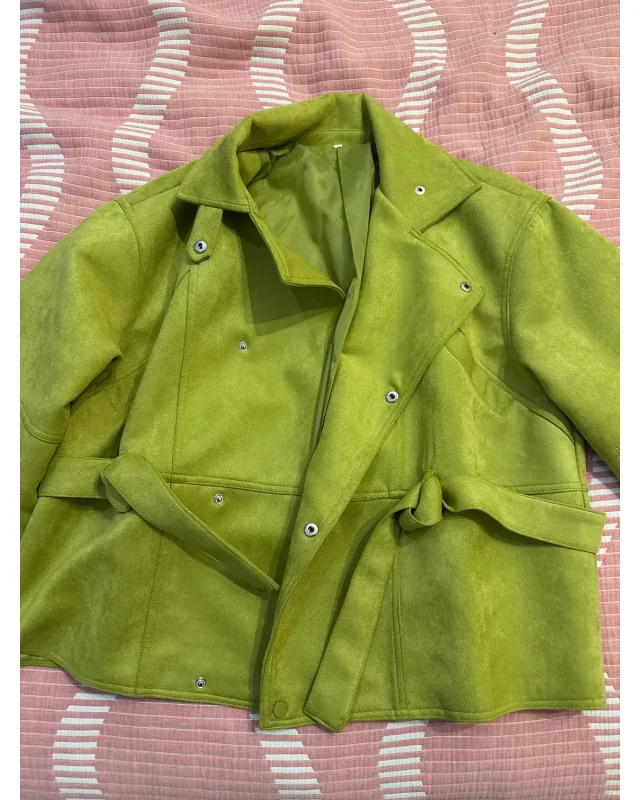
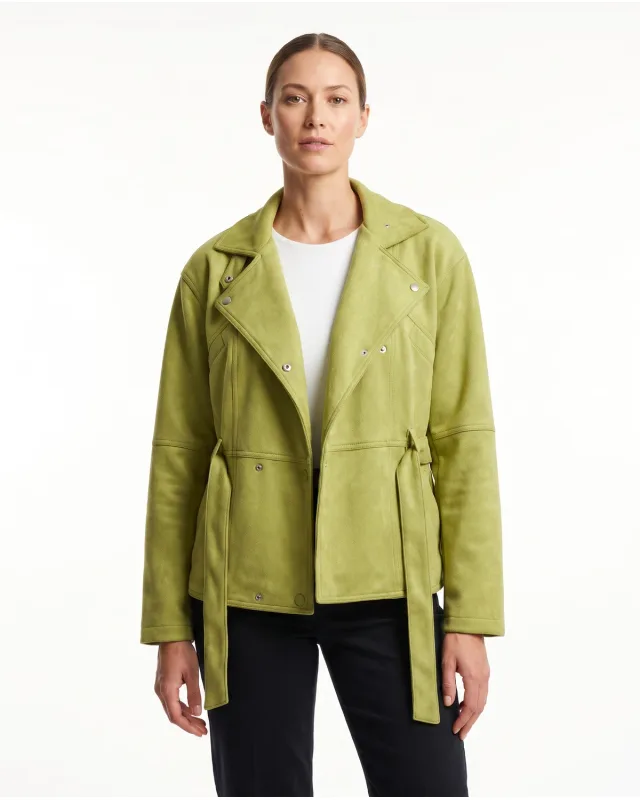
A jacket, styled on a model
AI fashion model generator
Turn your garment photo into an on-model image. No casting or studio booking.
Try my garment freeNo card needed. Sign up, then upload.
See what Pixfocal can do ↓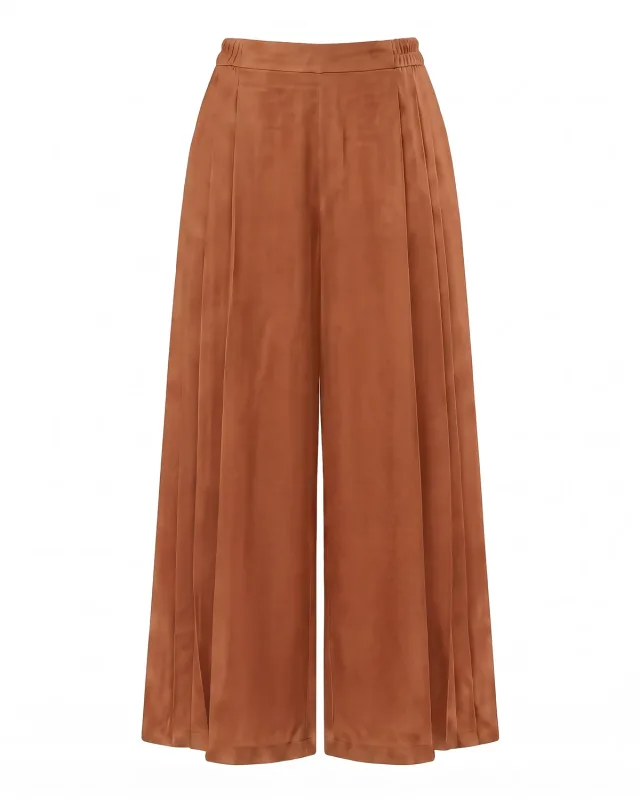
Start with your own garmentChoose a model and poseReview, then download
See the difference
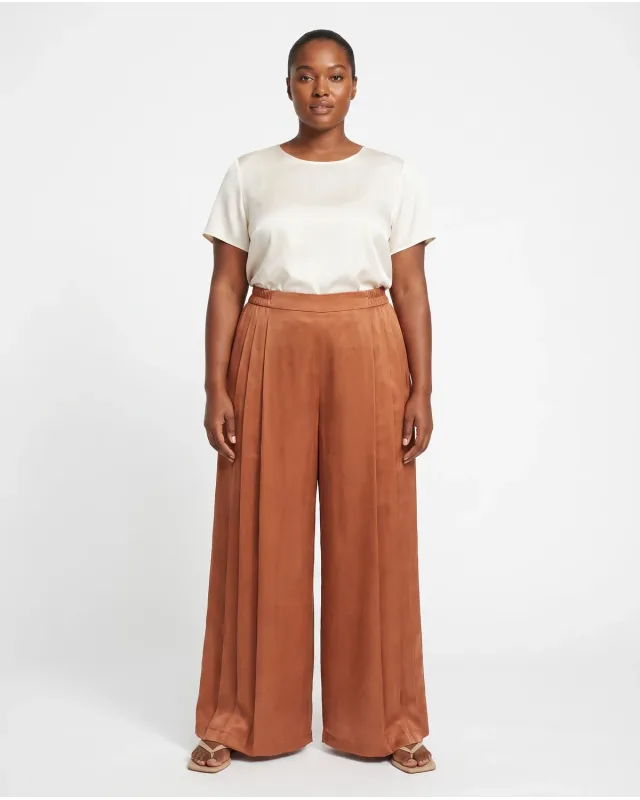
These outputs were downloaded by their users. See each original beside its generated result.
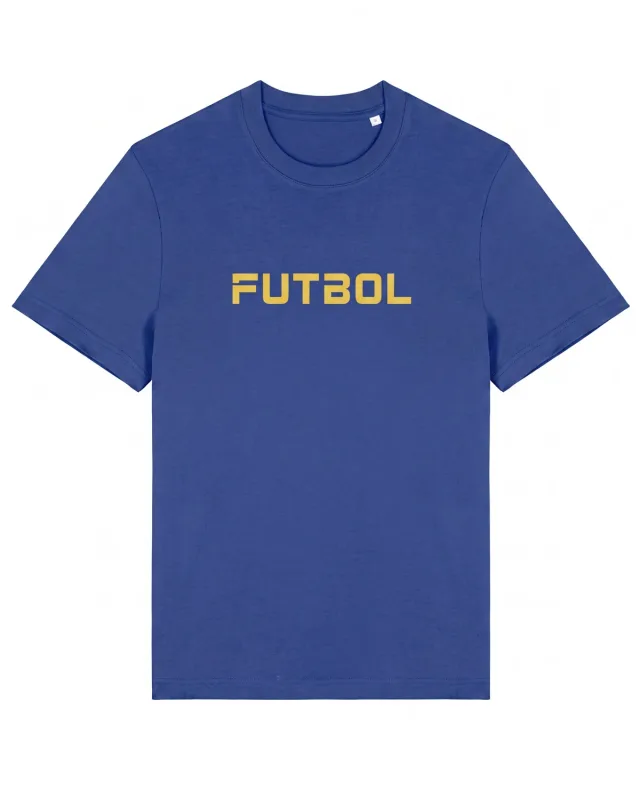
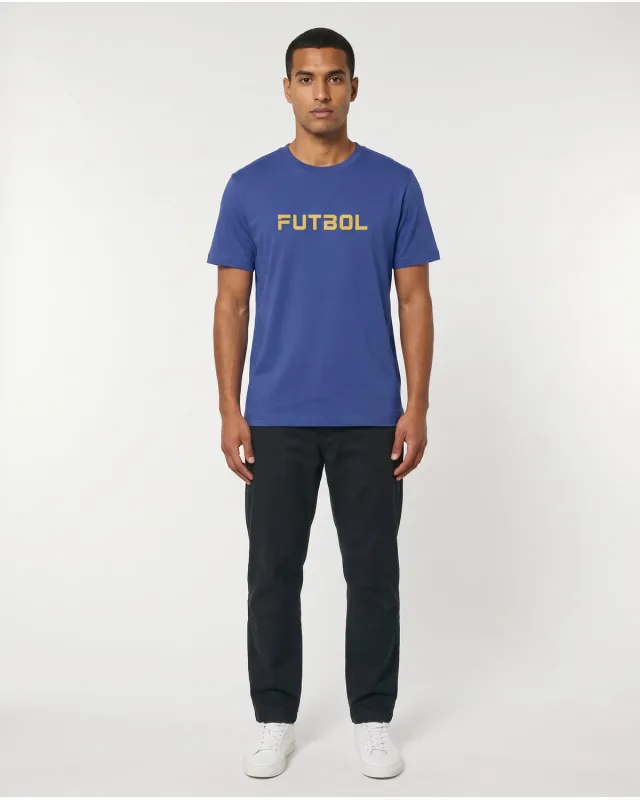
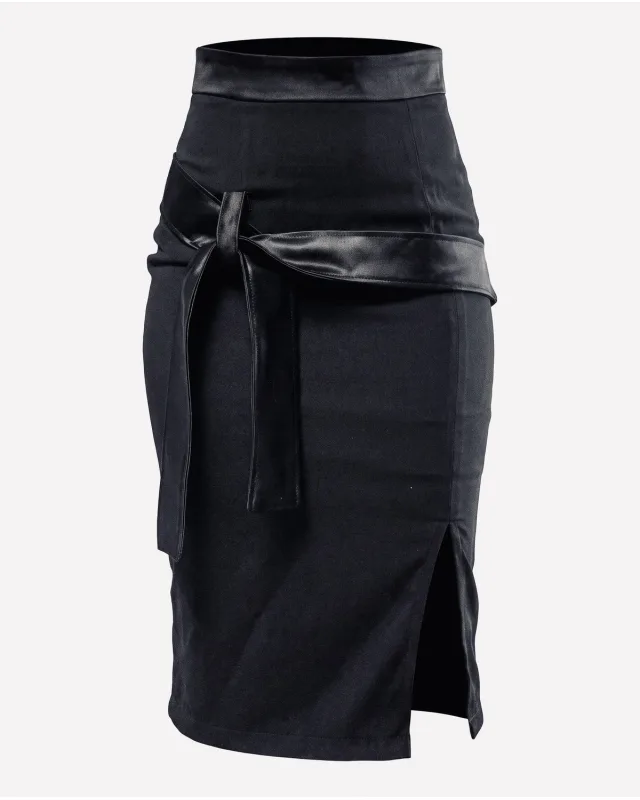
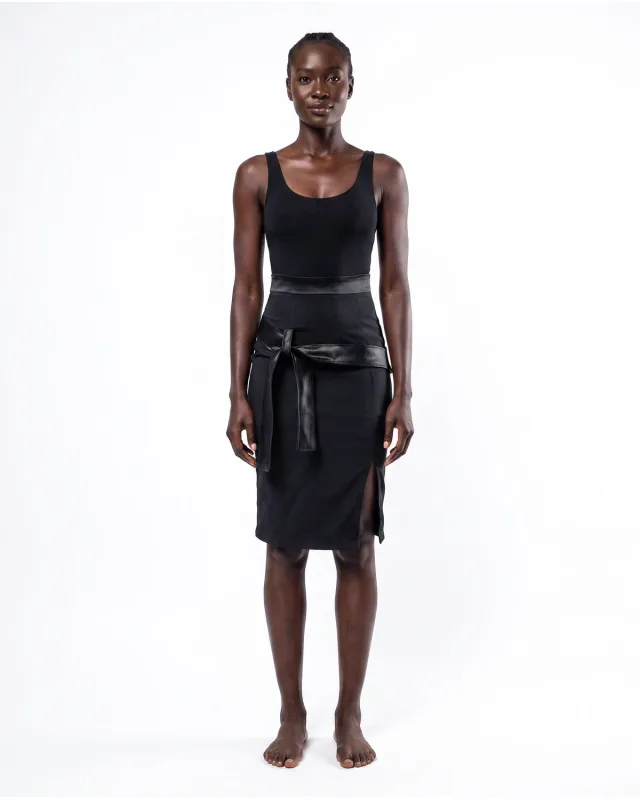
AI can change product details. Compare color, print, seams and shape before publishing. Examples are not a guarantee of every result.
From photo to on-model
Use a clear garment image. A flat-lay, hanger or existing product photo can be your starting point.
Keep the whole item visible and well lit.
Pick the model settings, pose and view in Studio.
Check the garment details. Download the images you want to use.
For your product pages
Use AI model photography to explore how you present your clothing. Keep direct product photos for labels, fabric details and item condition.
An AI image is not a fit test. It cannot prove how a size fits a real person.
Prefer the garment without a model? See ghost mannequin →A few useful answers
It creates an image of a model wearing clothing from a reference photo. Pixfocal lets you start with your garment and choose the on-model shot in Studio.
Yes. Create a free account and use your available trial credits. No card is needed to sign up. Saved model references and other advanced features have separate plan limits.
Use a clear, well-lit photo with the full garment visible. Avoid covered details and heavy shadows. Add a back reference when you want to show the back.
Not always. AI may change color, logos, construction or proportions. Compare each result with your references before using it. Keep original photos for details the buyer needs to verify.
No. The starter pack is a one-time purchase of 20 credits for eligible free accounts, limited to one per account. Buying it does not start a subscription.
Make it your garment
Upload after signup. No card needed.