
Rated 4.8/5 from 2,935 reviews
Ghost Mannequin Photography
for T-Shirts
Professional t-shirt product photos without the mannequin showing
PixFocal's AI removes the mannequin from your t-shirt photos in seconds, creating clean 3D product images that show neckline construction, sleeve shape, and body fit. Upload your crew neck, V-neck, or any t-shirt style and get marketplace-ready ghost mannequin images instantly.
#1
Most sold garment category in online retail
30 sec
Average processing time per t-shirt
3,892+
Brands trust PixFocal for t-shirt photography
Why T-Shirt Sellers Choose PixFocal
T-shirts are the most competitive product category online. Professional ghost mannequin photography helps your listings stand out and convert browsers into buyers.
Perfect Neckline Compositing
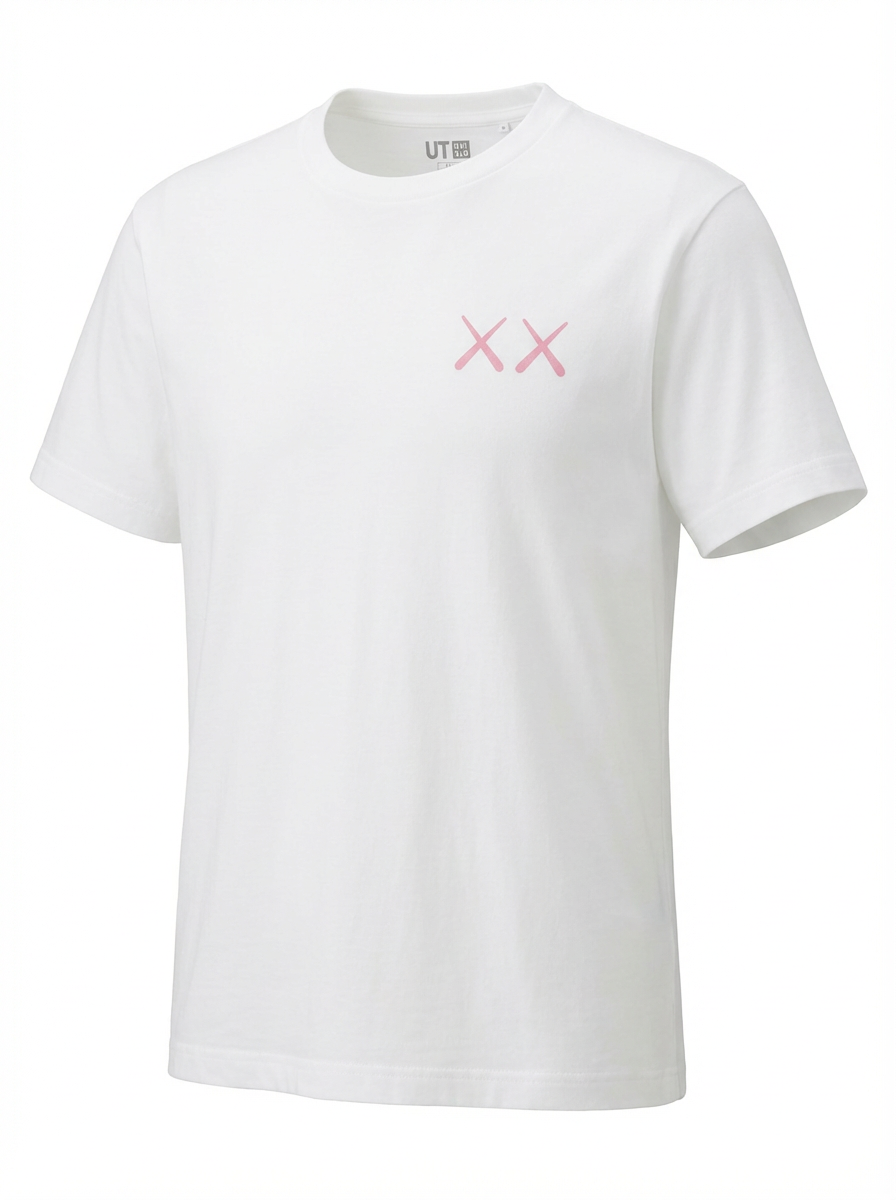
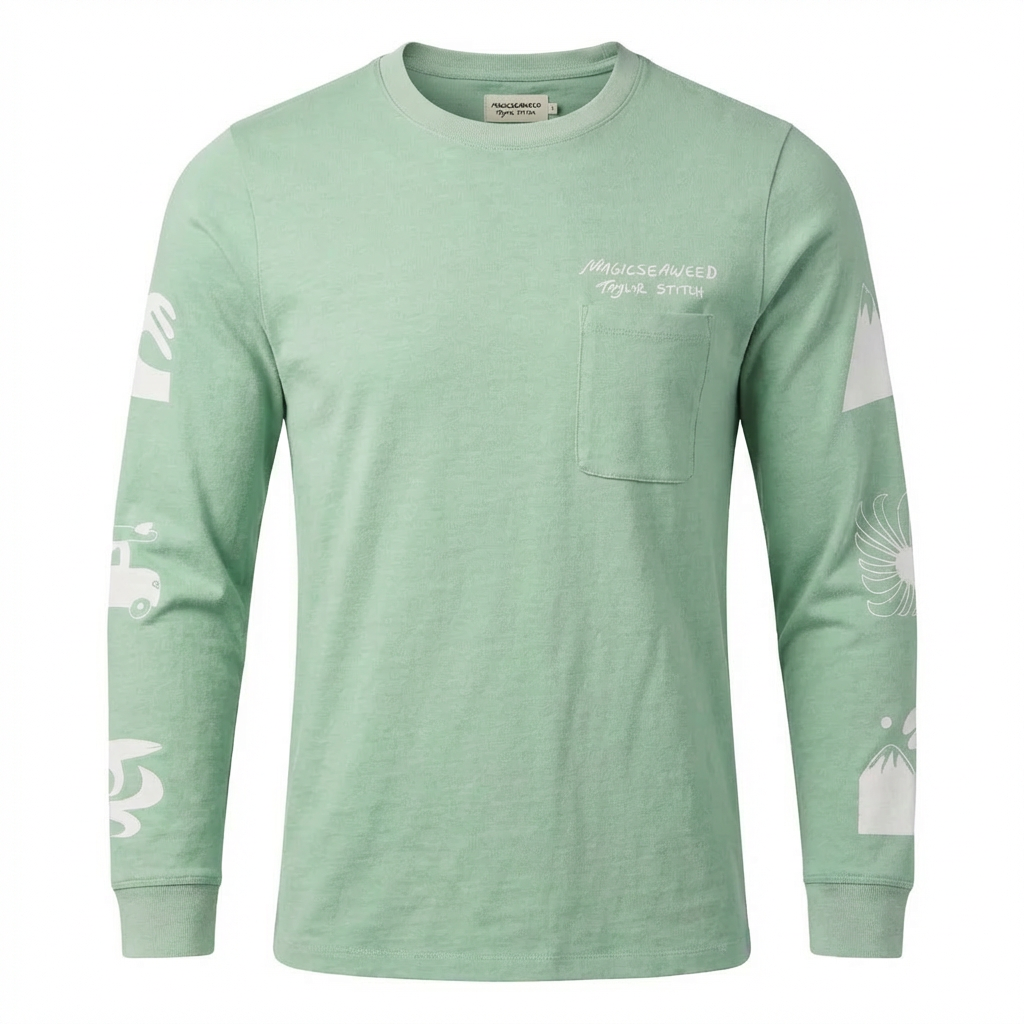
T-shirts live or die by the neckline. Our AI seamlessly composites the inner collar with the front view, creating a flawless neck joint that shows construction quality to buyers.
PixFocal SpecialtyConsistent Catalog Look
Selling 50 or 500 t-shirt designs? PixFocal ensures every SKU has identical framing, background, and presentation so your store looks professional and cohesive across all listings.
Any Input Format
Upload t-shirts photographed on mannequins, dress forms, or even flat lays. PixFocal handles crew necks, V-necks, henleys, polo collars, and raglan sleeves with equal precision.
Marketplace-Ready Output
Get pure white backgrounds (RGB 255,255,255), high-resolution files, and properly centered framing that meets Amazon, Shopify, and every major marketplace's image requirements.
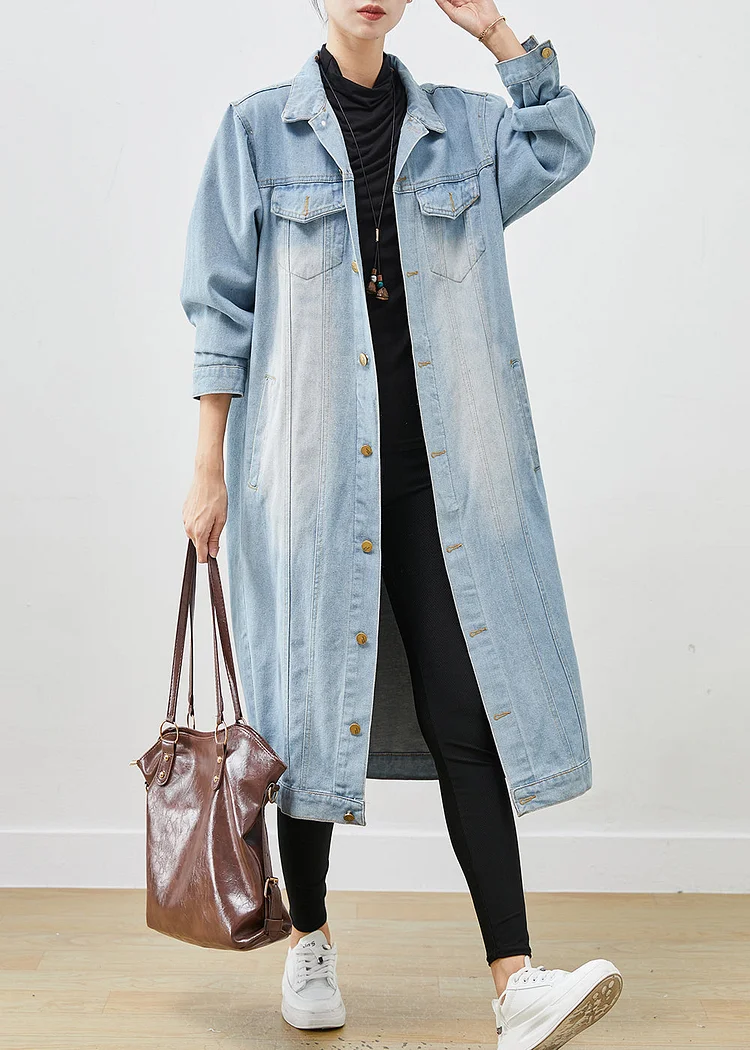
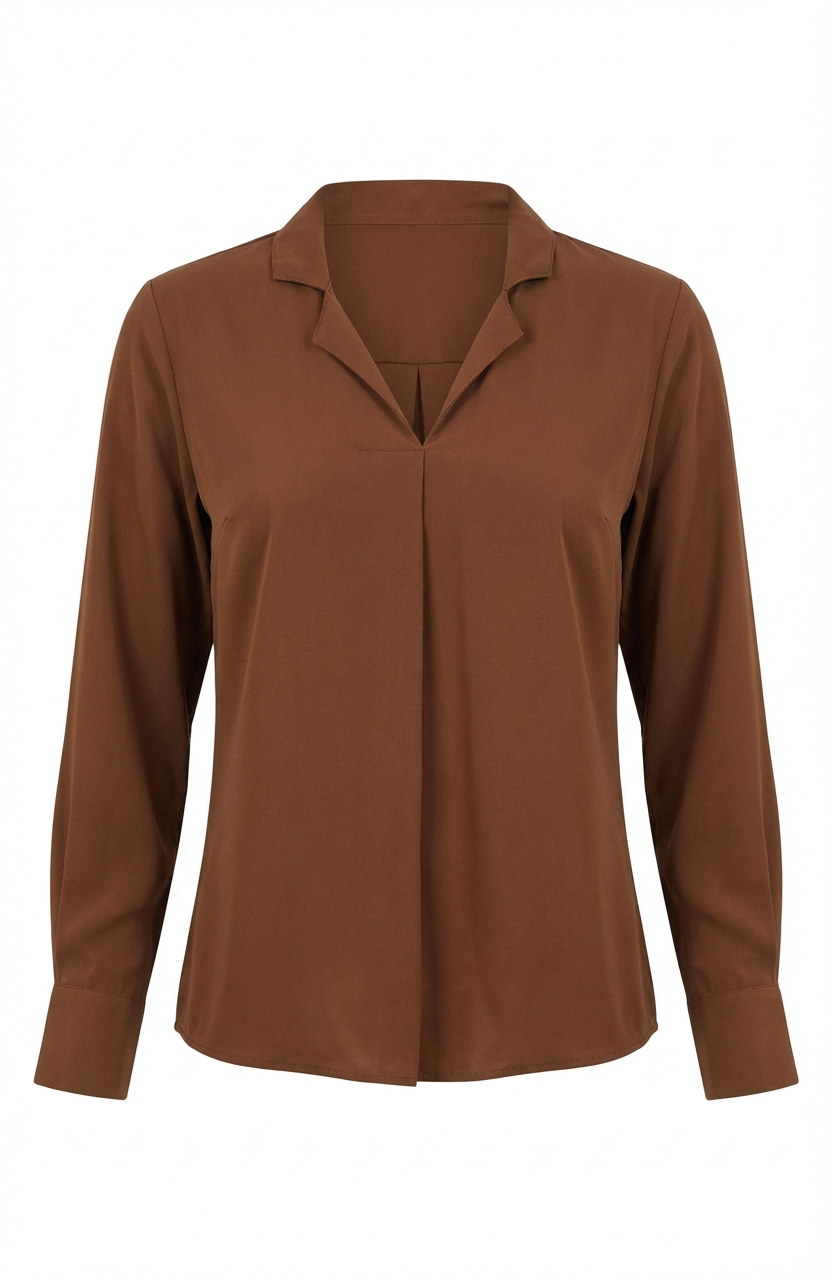
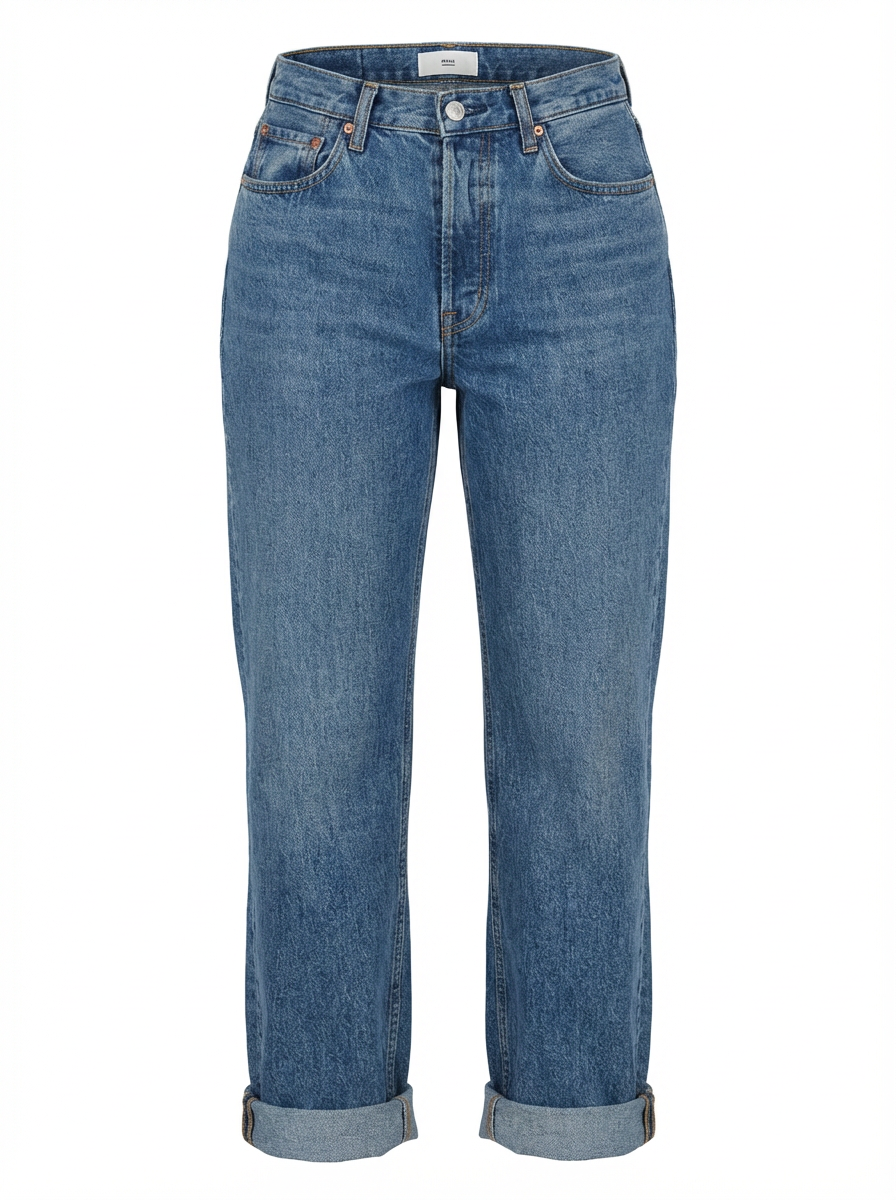
See the Results: Before & After
Before
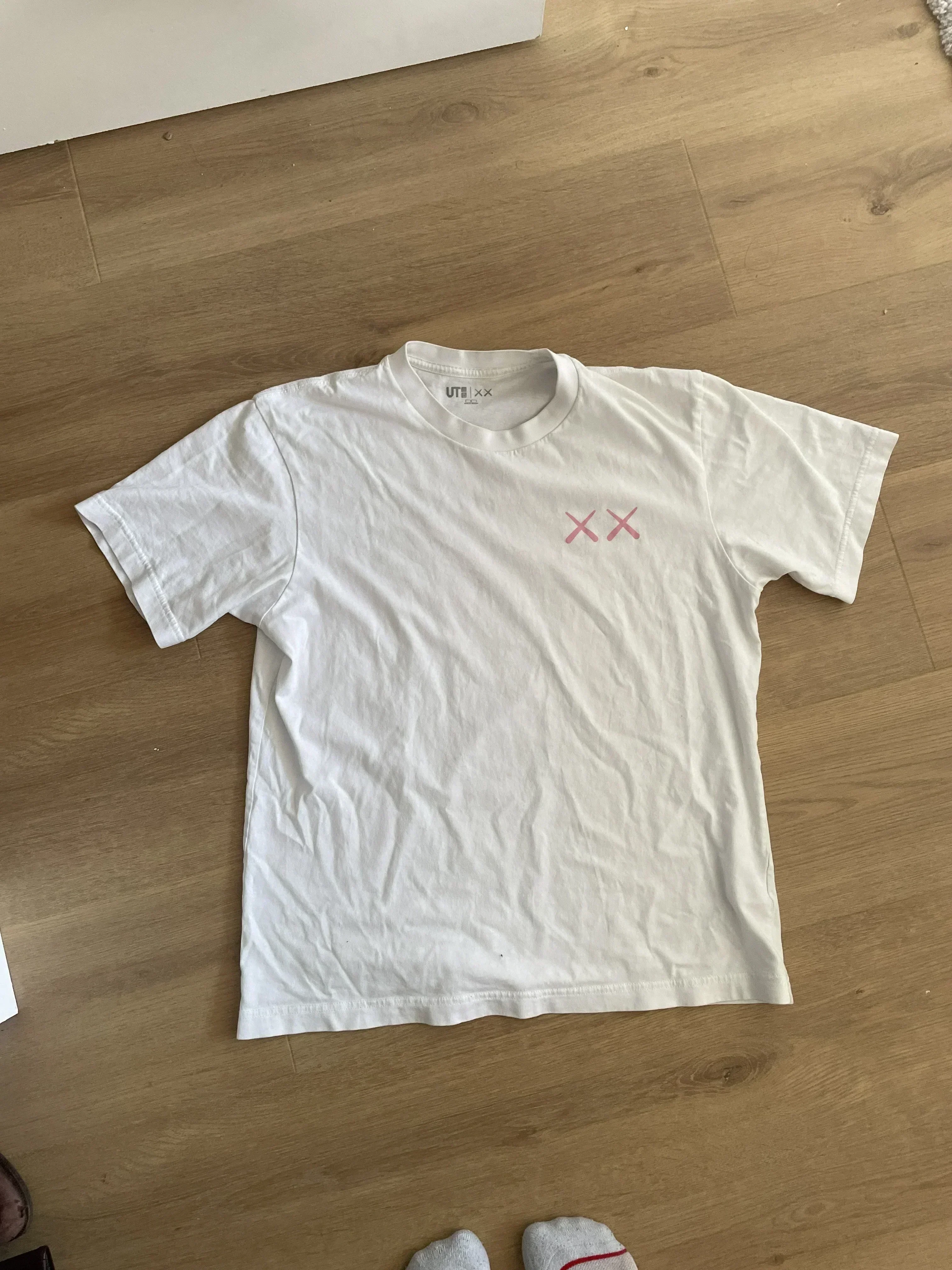
After
Before
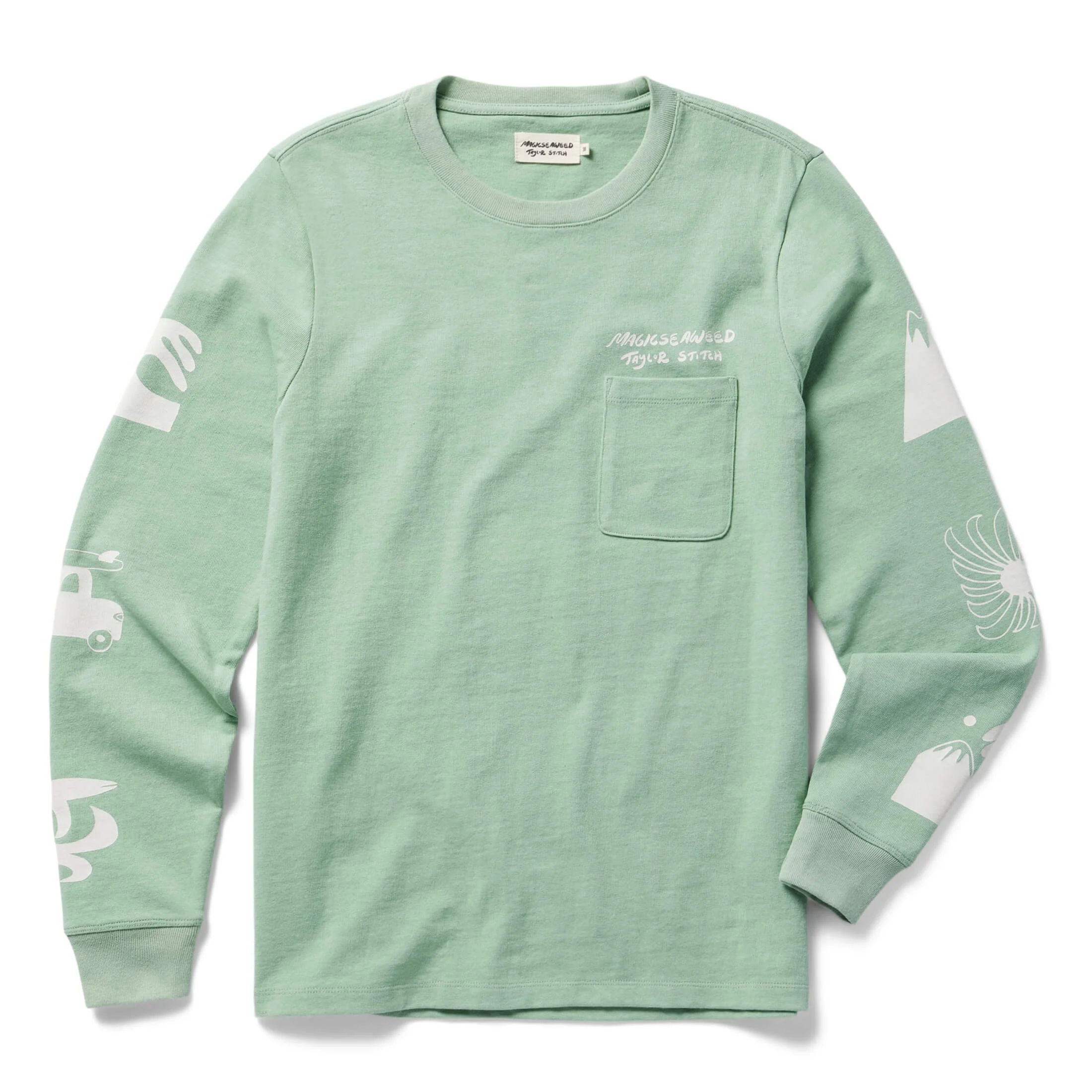
After
Before
After
Before
After
How It Works
Three steps from mannequin photo to professional t-shirt product image. No Photoshop skills required.
Upload T-Shirt Photos
Photograph your t-shirt on a mannequin and capture the inside neckline. Upload both images to PixFocal. Supports JPEG, PNG, and WebP formats.
AI Creates Ghost Mannequin
Our AI automatically removes the mannequin, composites the neckline interior, and generates a clean white background. Processing takes about 30 seconds.
Download Marketplace-Ready Images
Download your finished t-shirt images in high resolution. They are ready to upload directly to Shopify, Amazon, Etsy, or any ecommerce platform.
Platform-Ready T-Shirt Photos
PixFocal automatically formats your t-shirt photos to meet each marketplace's specific image requirements.
T-Shirt Ghost Mannequin Photography FAQ
What is ghost mannequin for t-shirts?
Ghost mannequin for t-shirts is a product photography technique where you photograph a t-shirt on a mannequin, then digitally remove the mannequin to create a hollow, 3D effect. The result shows the t-shirt's shape, neckline, and sleeve construction as if worn by an invisible person. PixFocal automates this entire process with AI, delivering results in about 30 seconds.
How do you photograph a t-shirt without a mannequin showing?
Place your t-shirt on a mannequin and photograph the front view. Then photograph the inside neckline area separately by folding the shirt to reveal the collar construction. Upload both shots to PixFocal, and the AI composites them together while removing the mannequin, creating a clean ghost mannequin effect where the t-shirt appears to float in 3D space.
What's the best way to show neckline detail?
For crew necks, V-necks, and scoop necks, photograph the inside of the collar area separately by folding the t-shirt inward and capturing the inner neckline construction. PixFocal's AI then composites this interior shot with your front-facing photo to create a seamless neckline reveal that shows buyers exactly how the collar sits and is finished.
Can I convert flat lay t-shirt photos?
Yes, PixFocal can process flat lay t-shirt photos, though results are best when you photograph your t-shirt on a mannequin. The mannequin gives the garment natural shape and dimension that flat lays cannot replicate. If you only have flat lays, upload them and PixFocal will optimize the background and presentation for marketplace use.
How much does t-shirt product photography cost?
Professional studio t-shirt photography typically costs $20-$50 per shirt including styling, shooting, and editing. With PixFocal, you can process unlimited t-shirt photos starting at $29/month. For brands with hundreds or thousands of t-shirt SKUs, this represents savings of over 90% compared to traditional photography services.
What file formats do I get?
PixFocal outputs high-resolution PNG files with transparent or white backgrounds. PNG format preserves image quality without compression artifacts, which is important for showing fabric texture and print detail on t-shirts. The output resolution matches your input, so upload the highest quality originals you have for the best results.
Explore More Garment Types
PixFocal creates professional ghost mannequin photos for every garment category.
Related Services
Transform Your T-Shirt Photography Today
Join 3,892+ brands using AI-powered ghost mannequin photography for t-shirts. Plans from $29/month with results in seconds.
Try it now - Free to start